This feature is in closed beta, and only participating customers can access it. If you're a VTEX client and want to adopt this feature for your business, please contact Commercial Support. Additional fees may apply. If you're not a VTEX client but are interested in this solution, please complete our contact form.
The Product Recommendations feature allows your store to provide custom experiences to buyers by recommending items based on multiple strategies. In addition, you can display relevant or complementary products, boost conversion rates, and increase the average ticket of your business.
Prerequisites
To activate product recommendations, you must have a store implemented using Store Framework, FastStore, or the headless model.
Recommendation strategies
Below are the available recommendation strategies developed by the VTEX team:
| Name | Description |
|---|---|
| Most popular | Products with the highest number of views |
| Recommended for you | Custom recommendations based on user profile and behavior |
| Similar products | Products similar to a specific one |
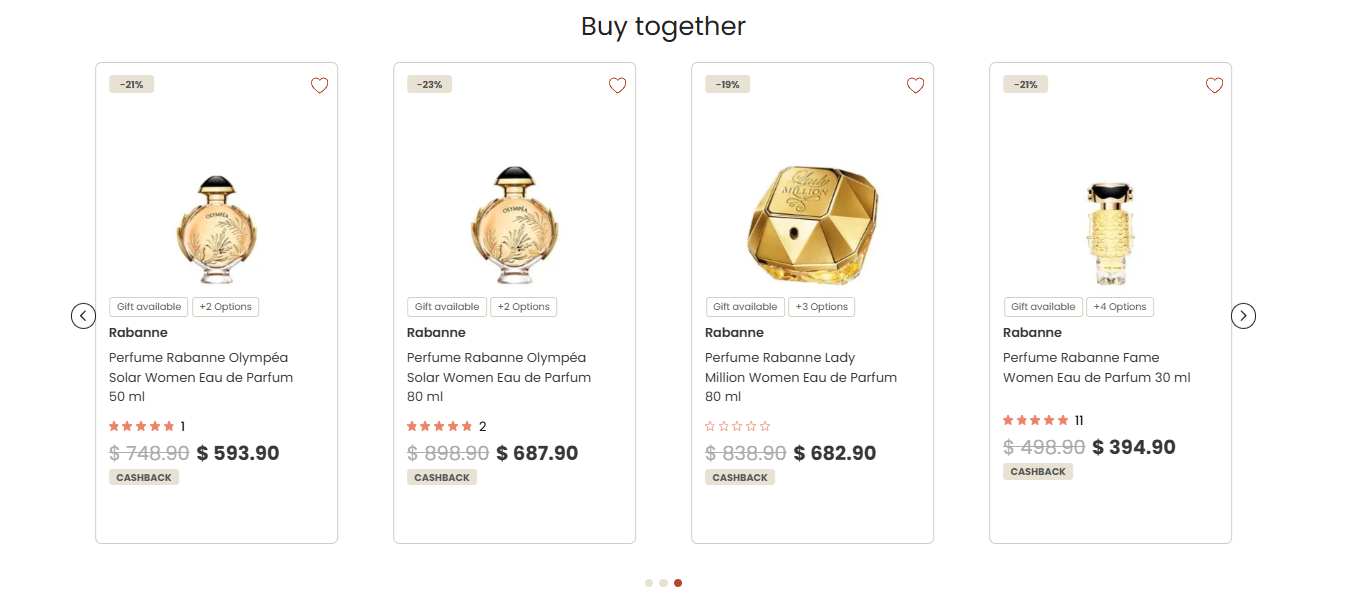
| Cross-sell | Complementary products for a specific one that are commonly purchased together. |
| Best sellers | The store's best-selling products |
| Last seen | Products recently viewed by the user |
| Recent interactions | Products most likely to engage the user in the future |
| Visually similar products | Products visually similar to a specific one |
| Manual collection | Recommendations from a collection created manually |
Implementation
To request activation of the Product Recommendations feature in your store, open a ticket with Commercial Support, indicating which strategies you want to activate. The VTEX team will review the request and get in contact with you.
Learn more about the Store Framework implementation in the component documentation Recommendation Shelf.